Free — no login required
Milestone Birthday Party Stationery, RSVPs & Seating Plans
Plan your milestone birthday party from one guest list: save the dates that collect guests' addresses, invitations with an RSVP QR code for every household, an order of the day, and the seating poster, table signs and place cards — all matching, and all updating together.
- Guests send you their addresses
- RSVPs tracked for you
- Gift registry with no doubling up
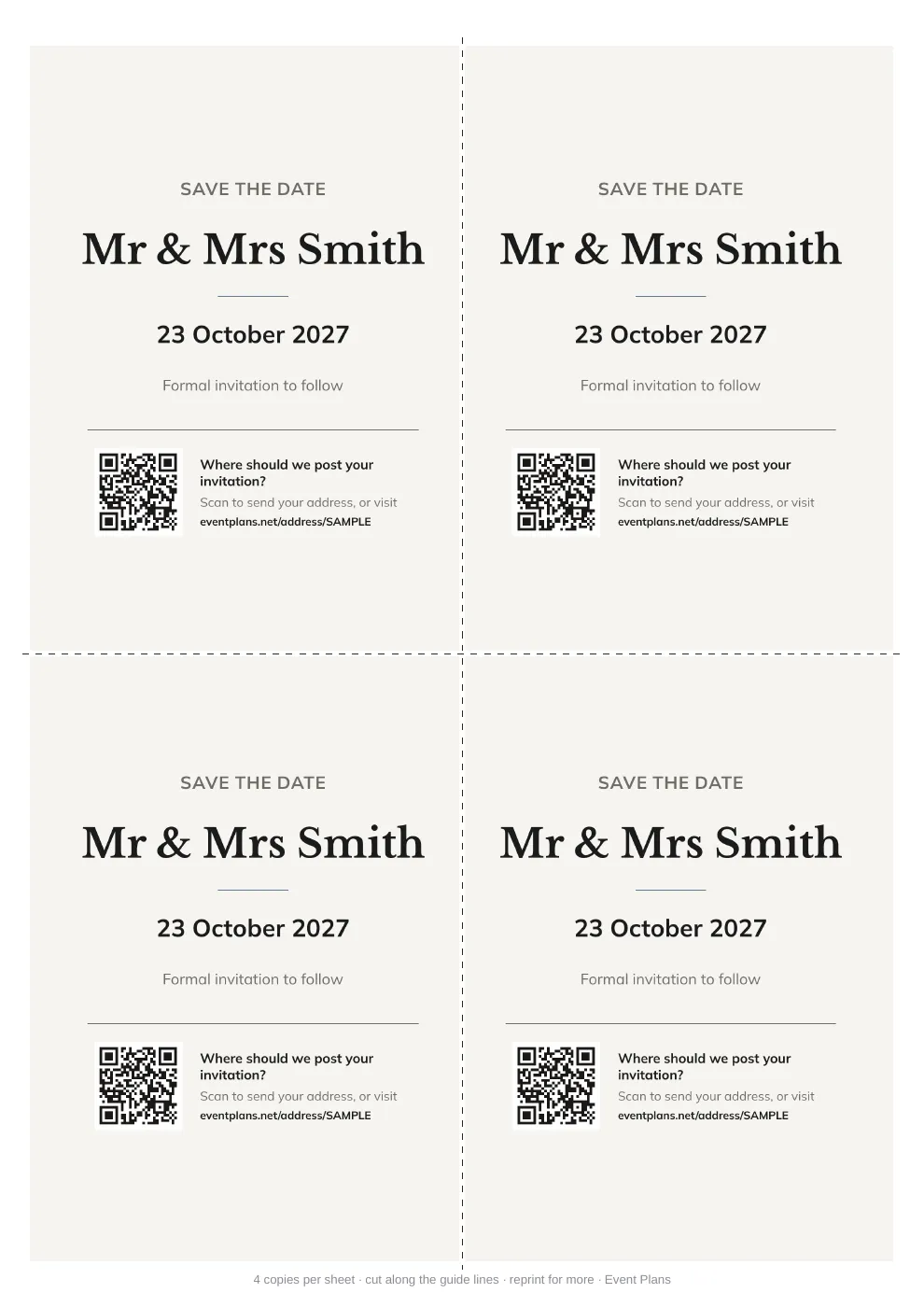
Save the date with an address QR code
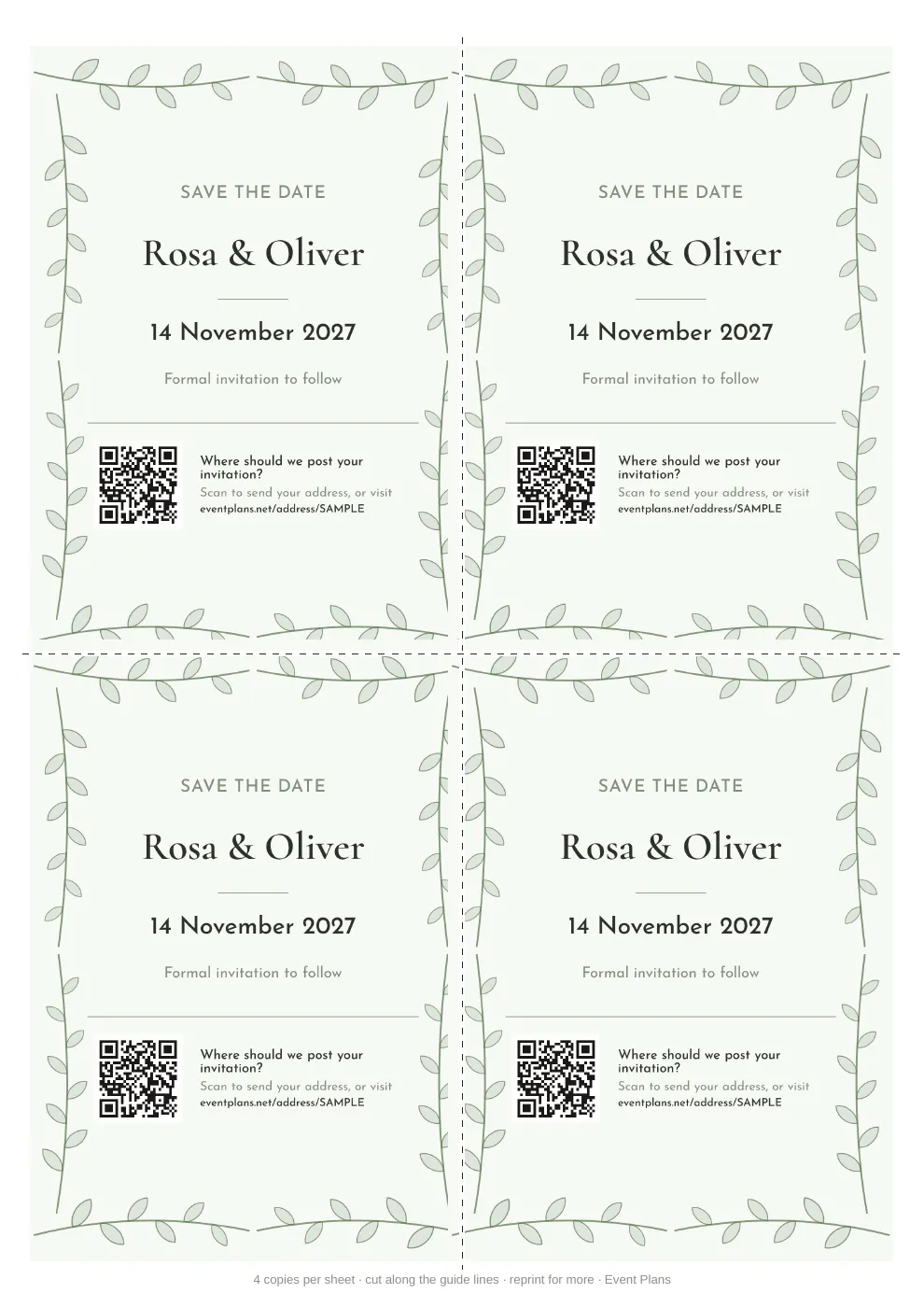
Save the date with a leafy border
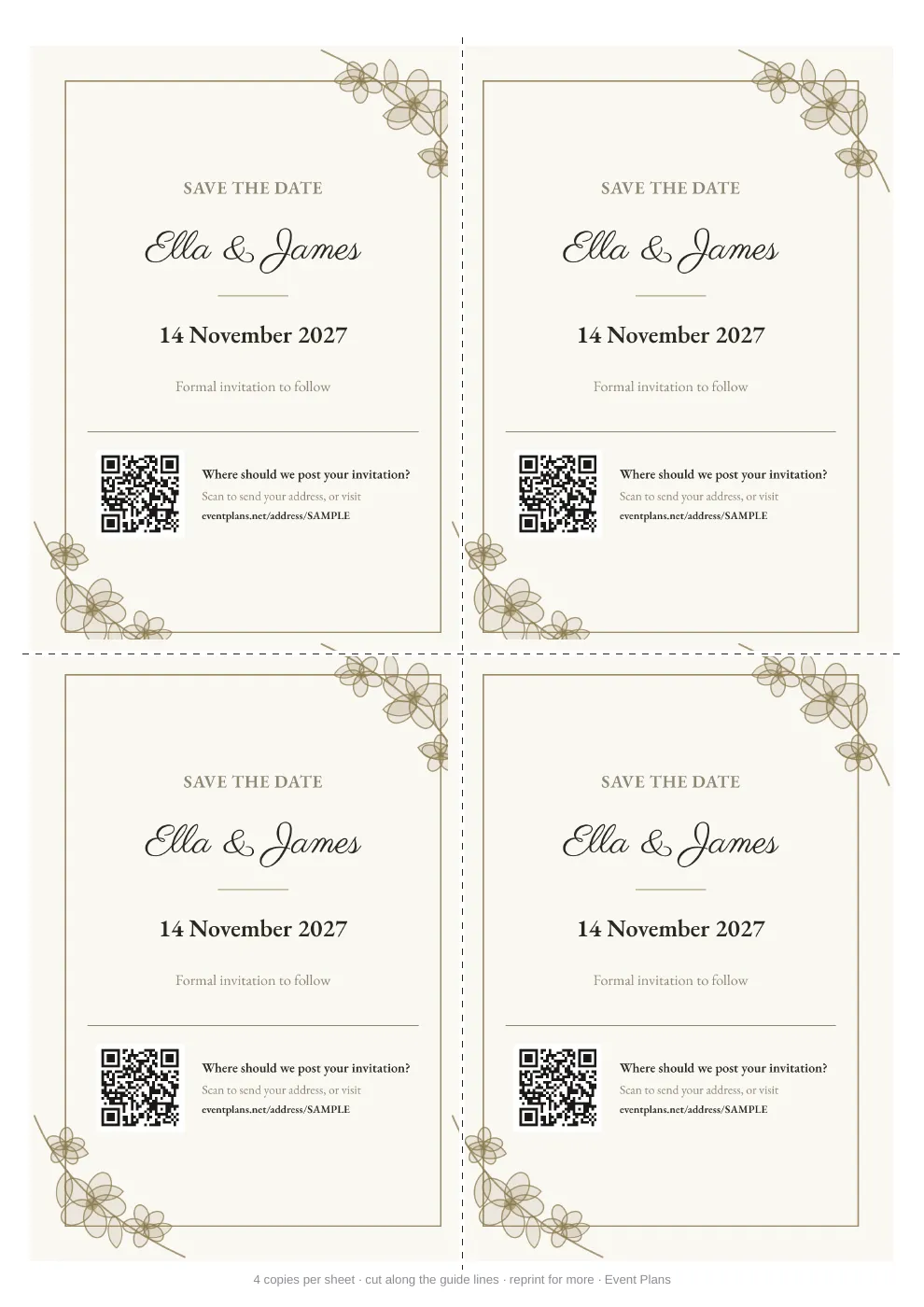
Save the date with florals
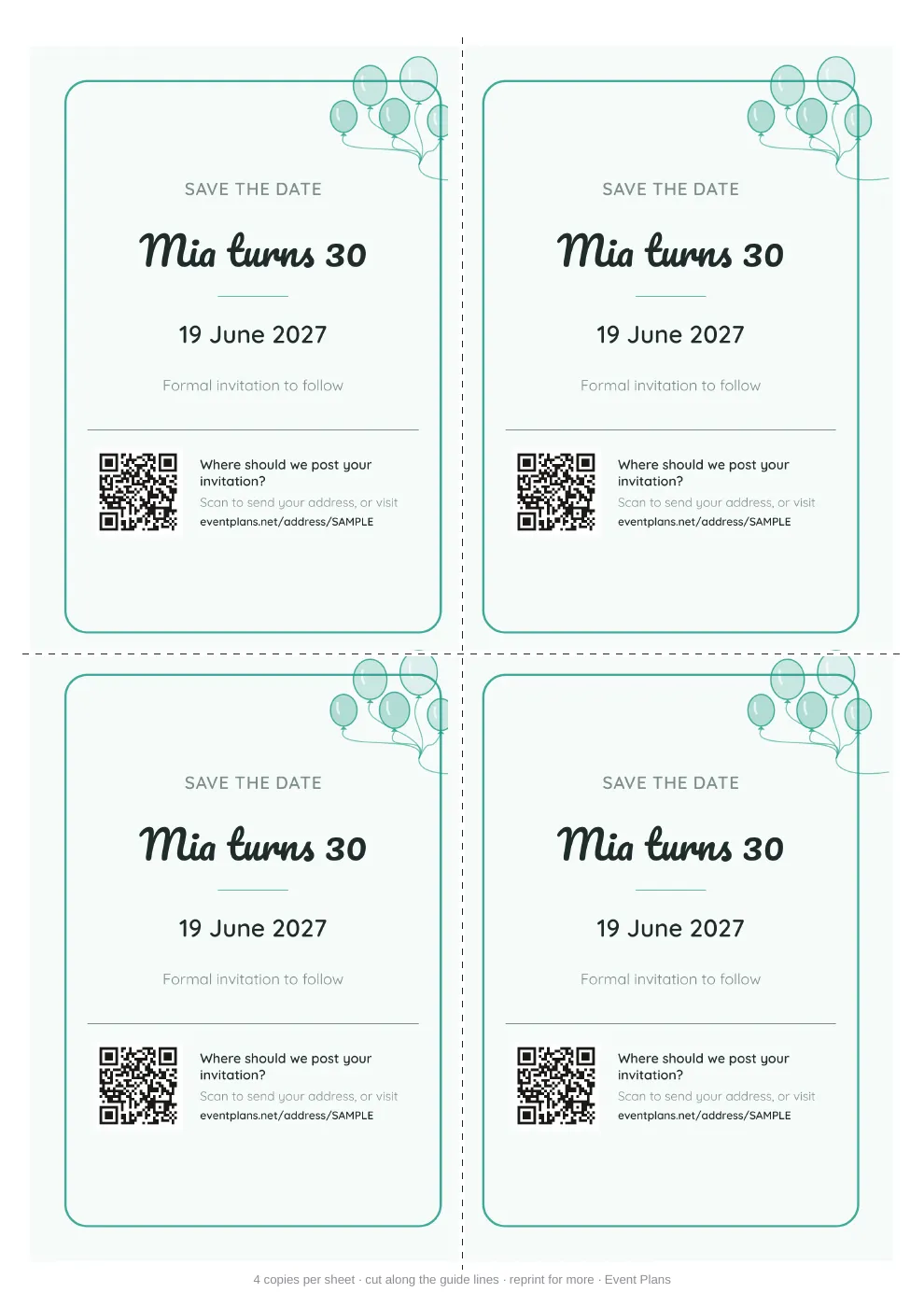
Birthday save the date with balloons
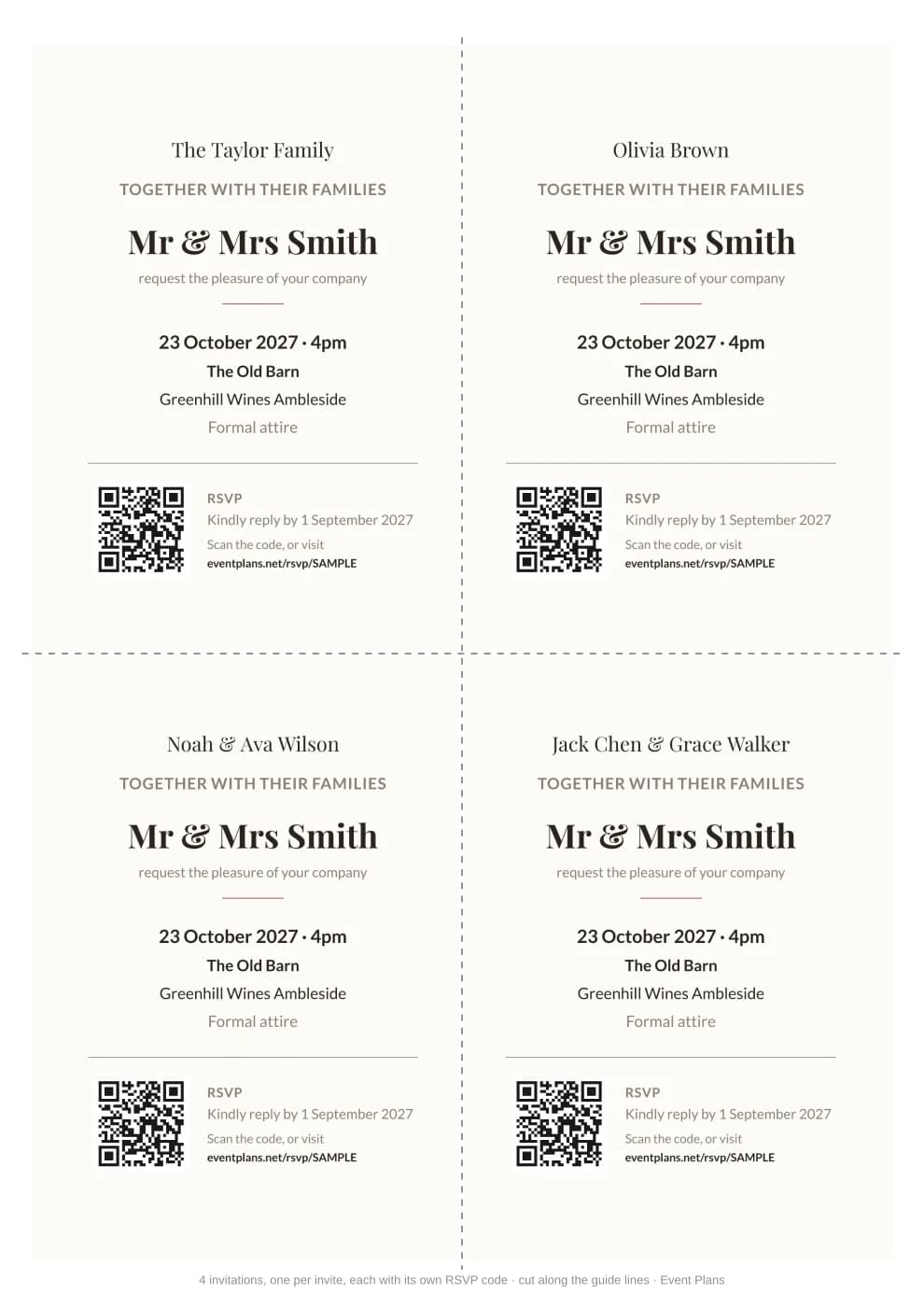
Invitations with RSVP QR codes
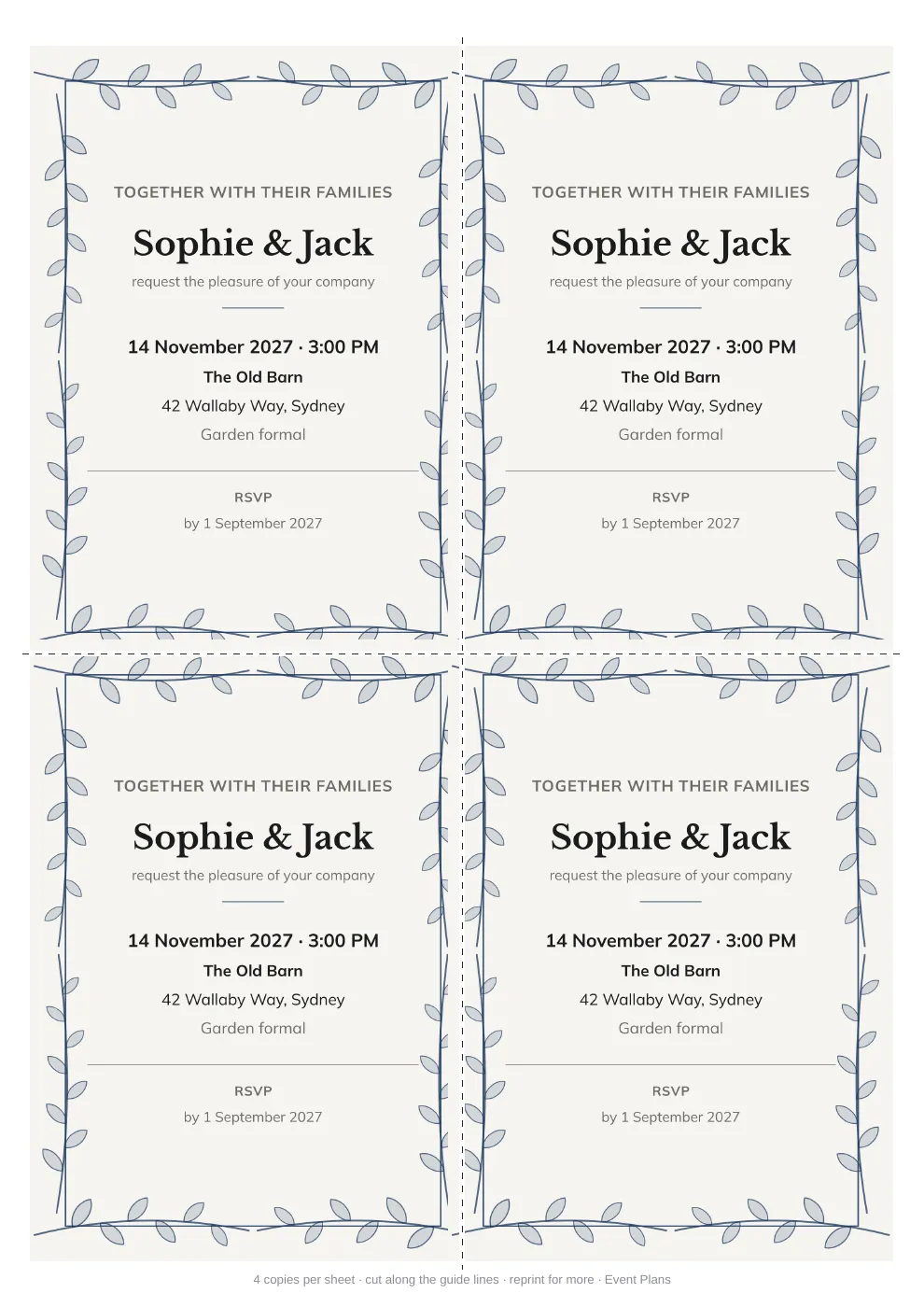
Invitation with a leafy border
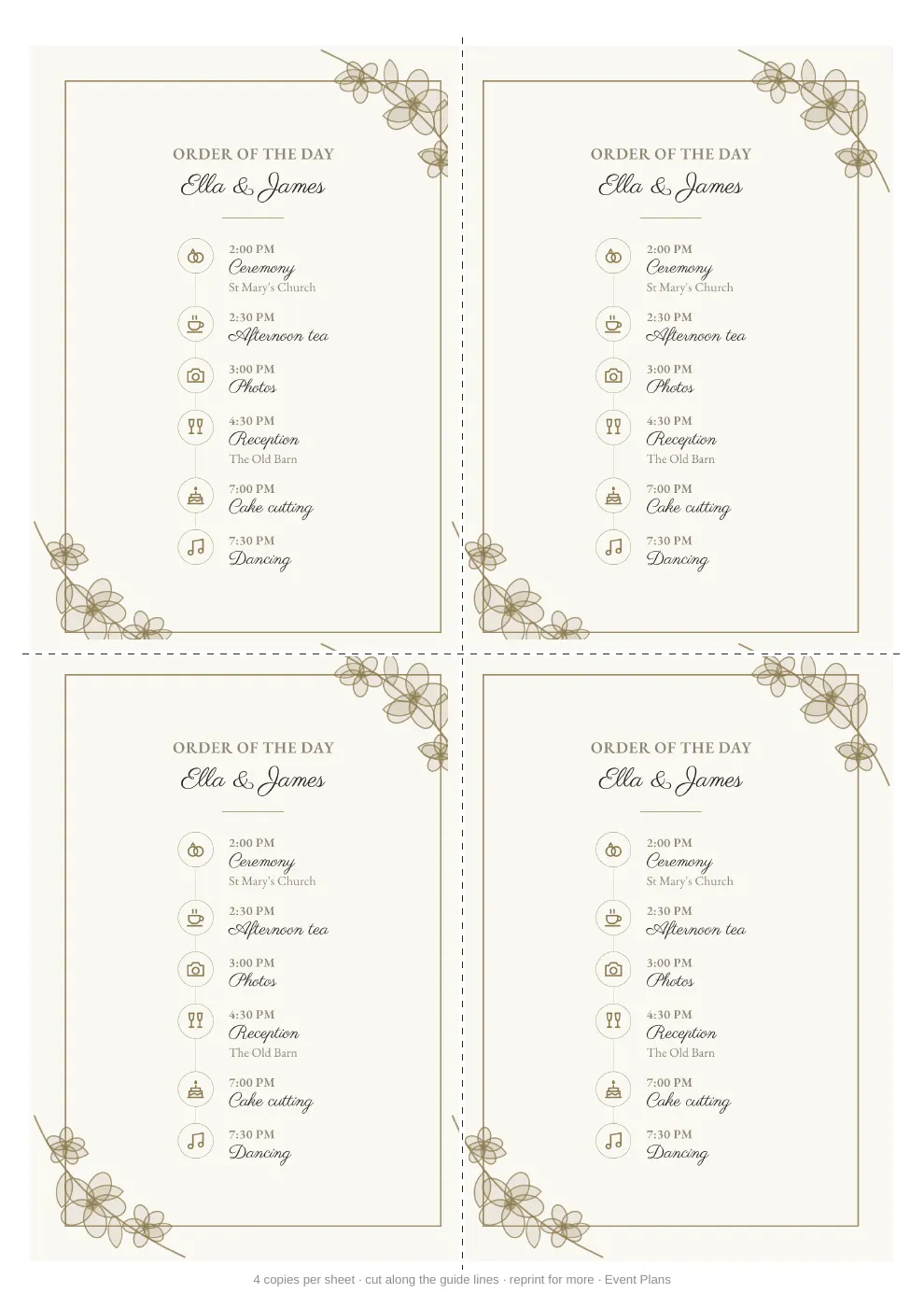
Order of the Day with icons
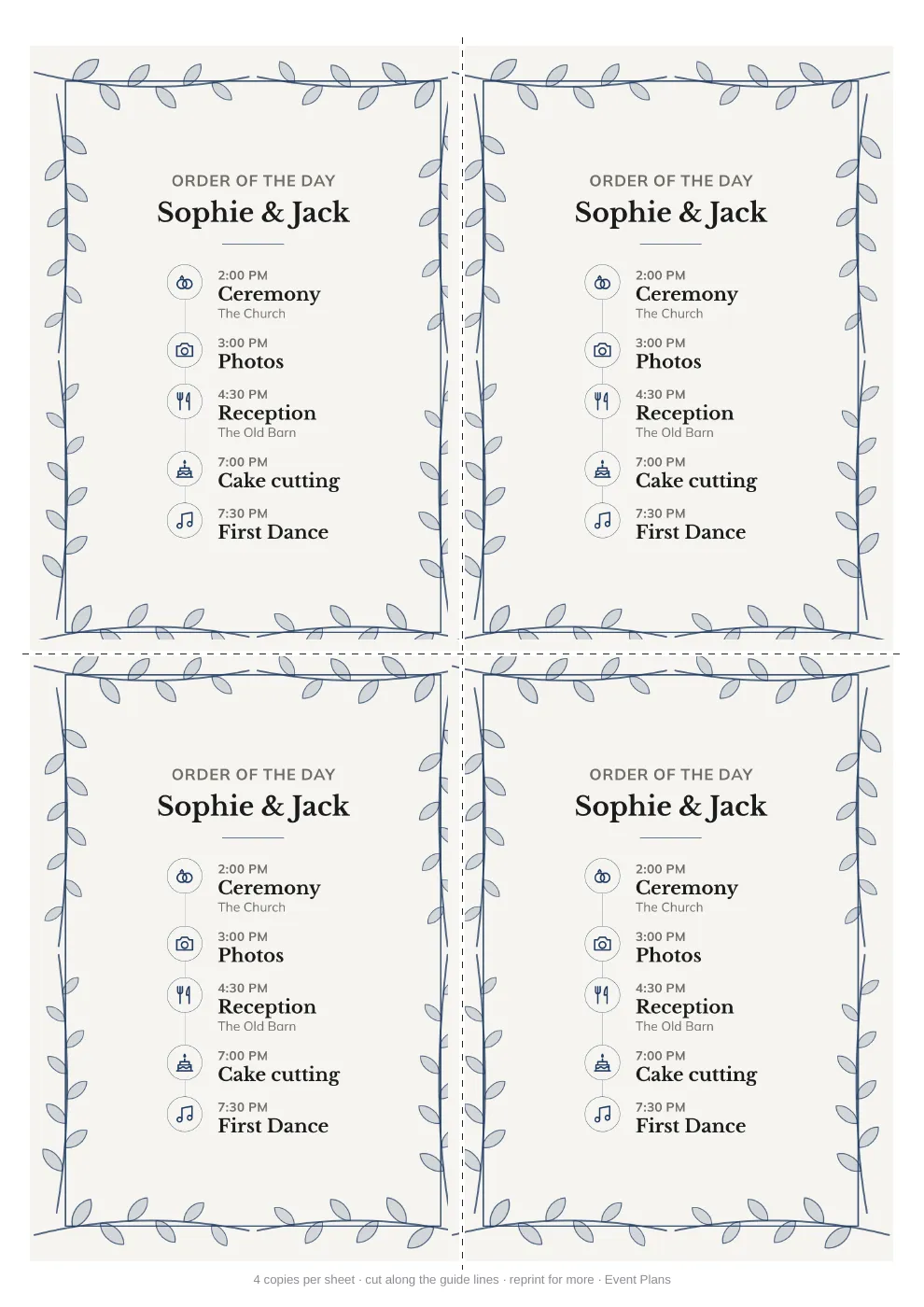
Order of the Day with a leafy border
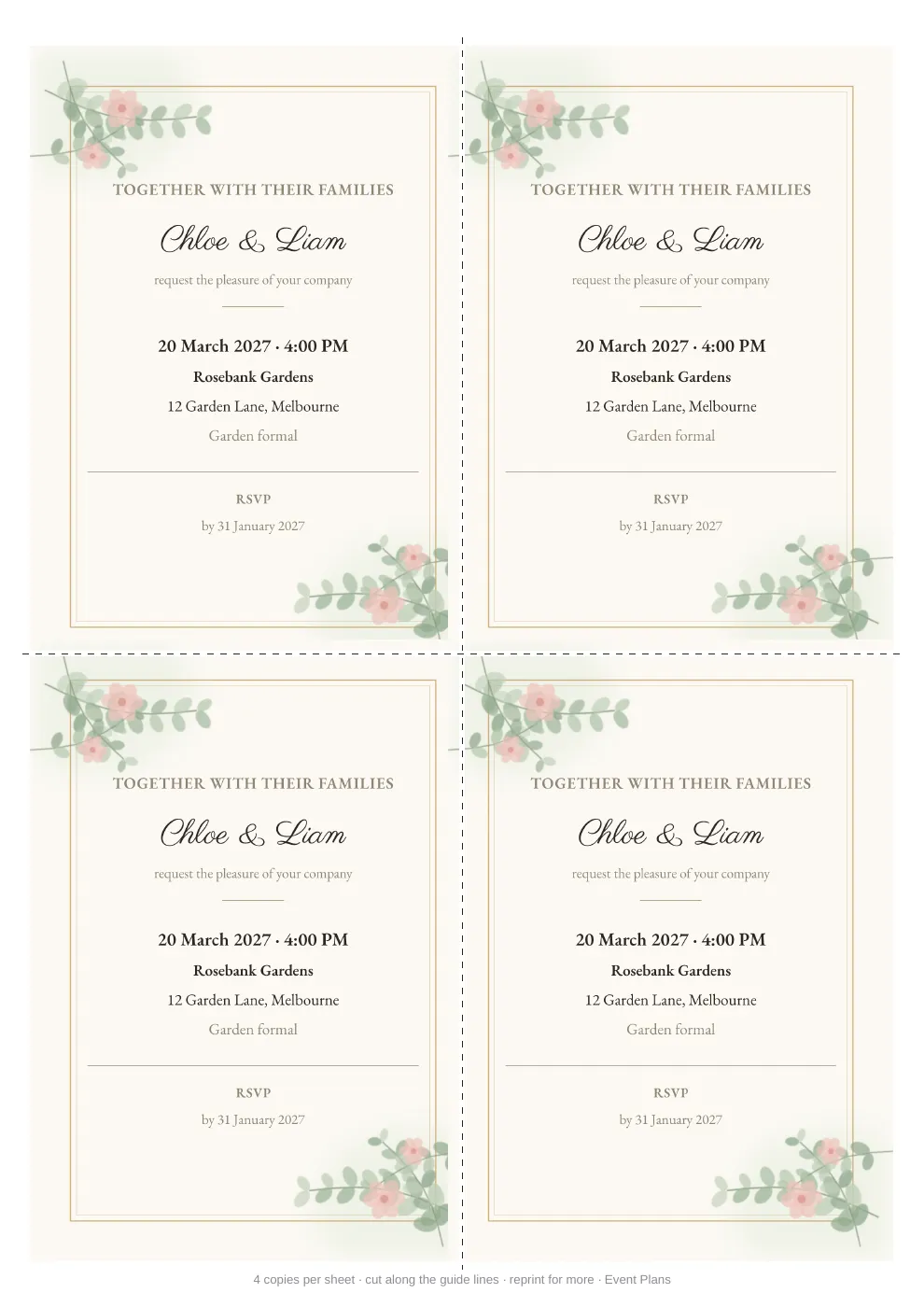
Upload your own custom background
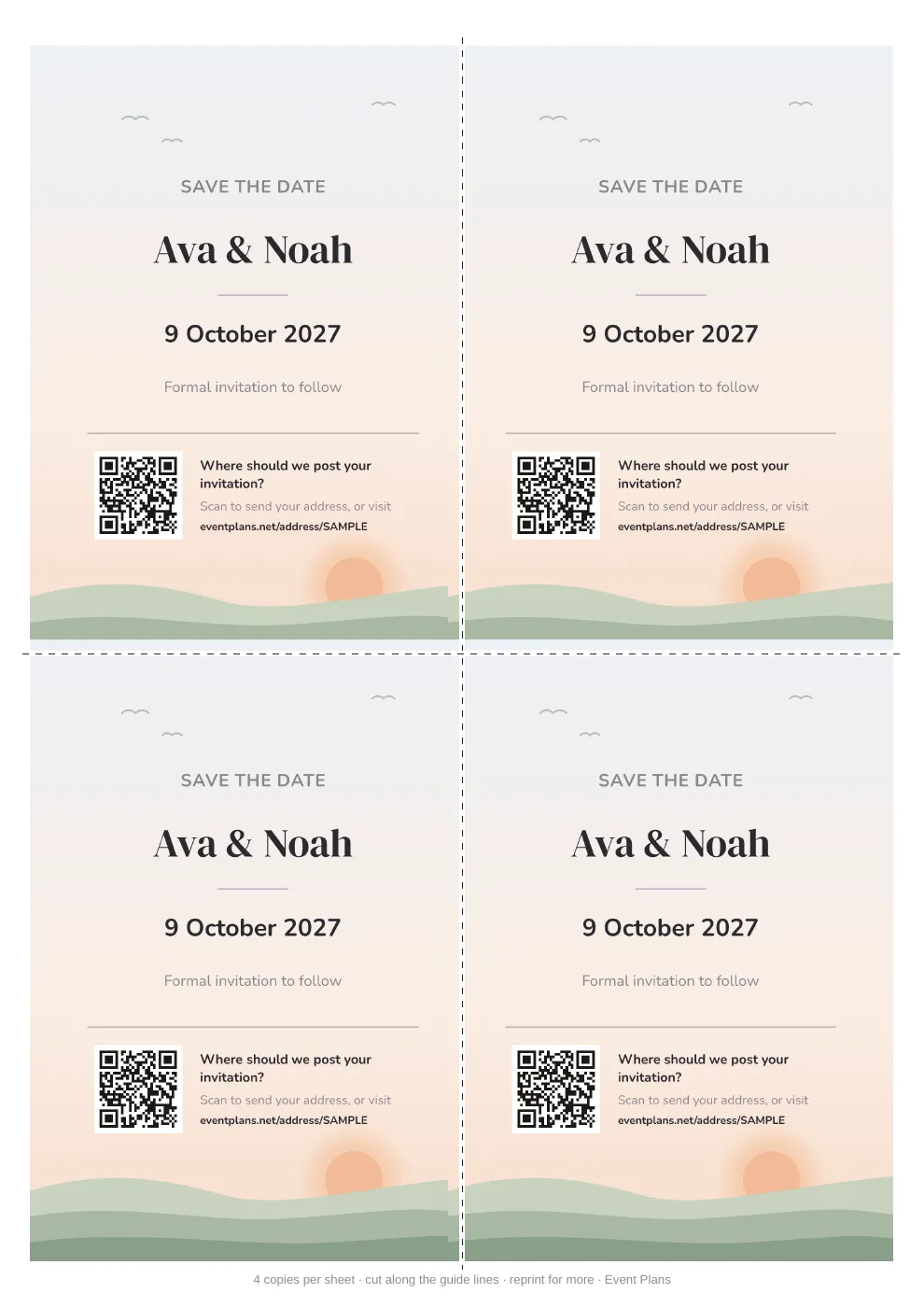
Upload your own custom background
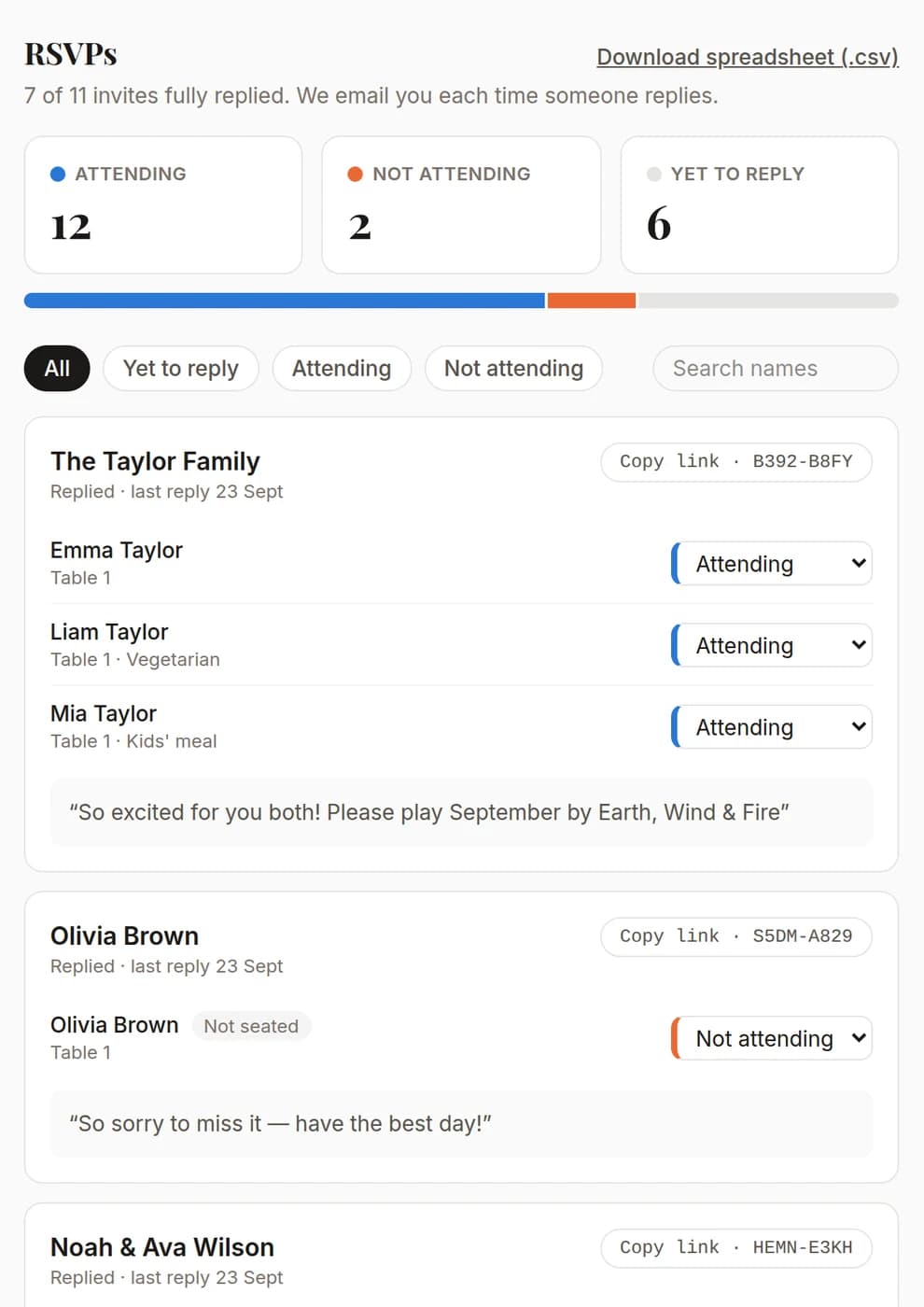
Your RSVP tracker
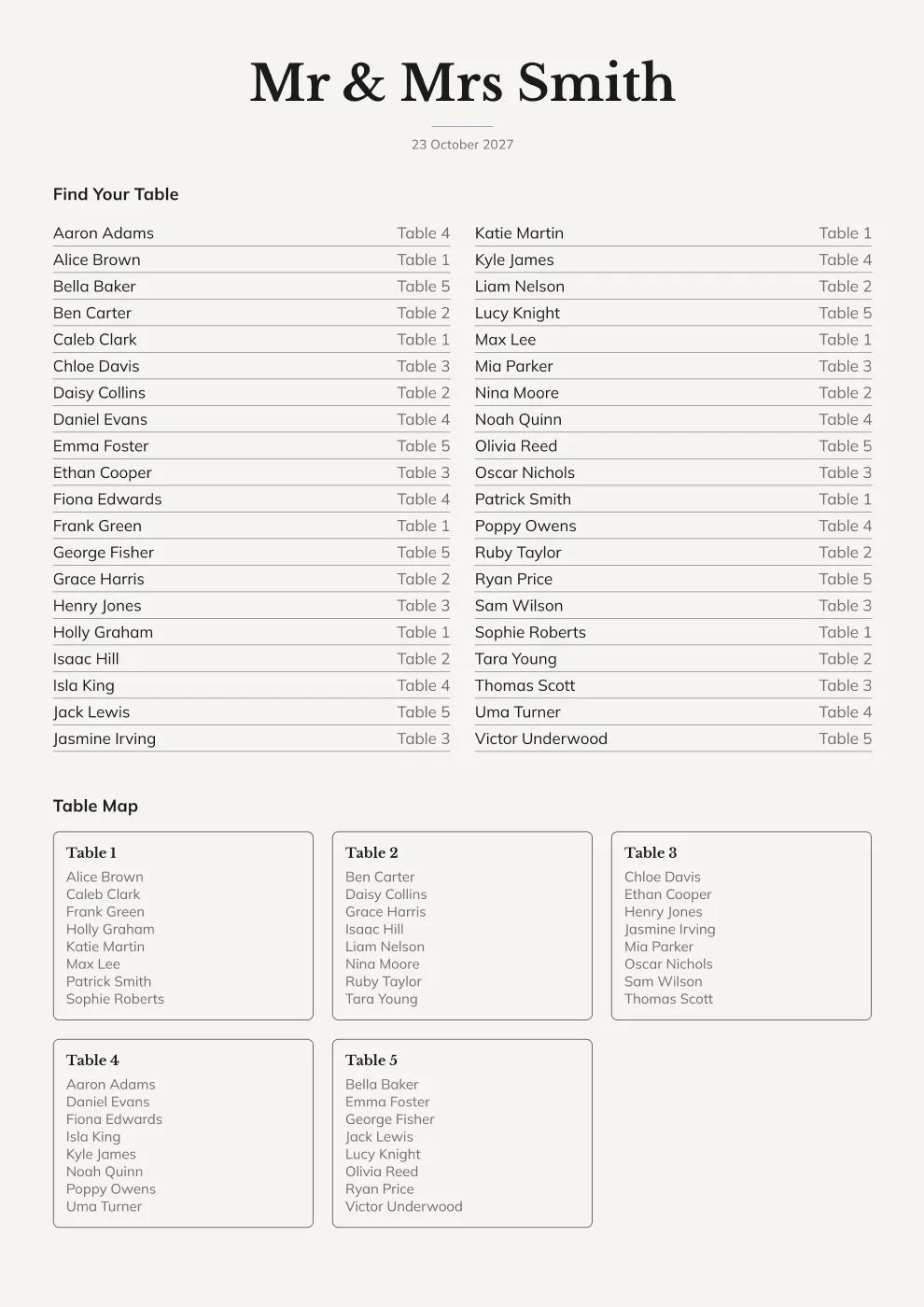
Seating poster
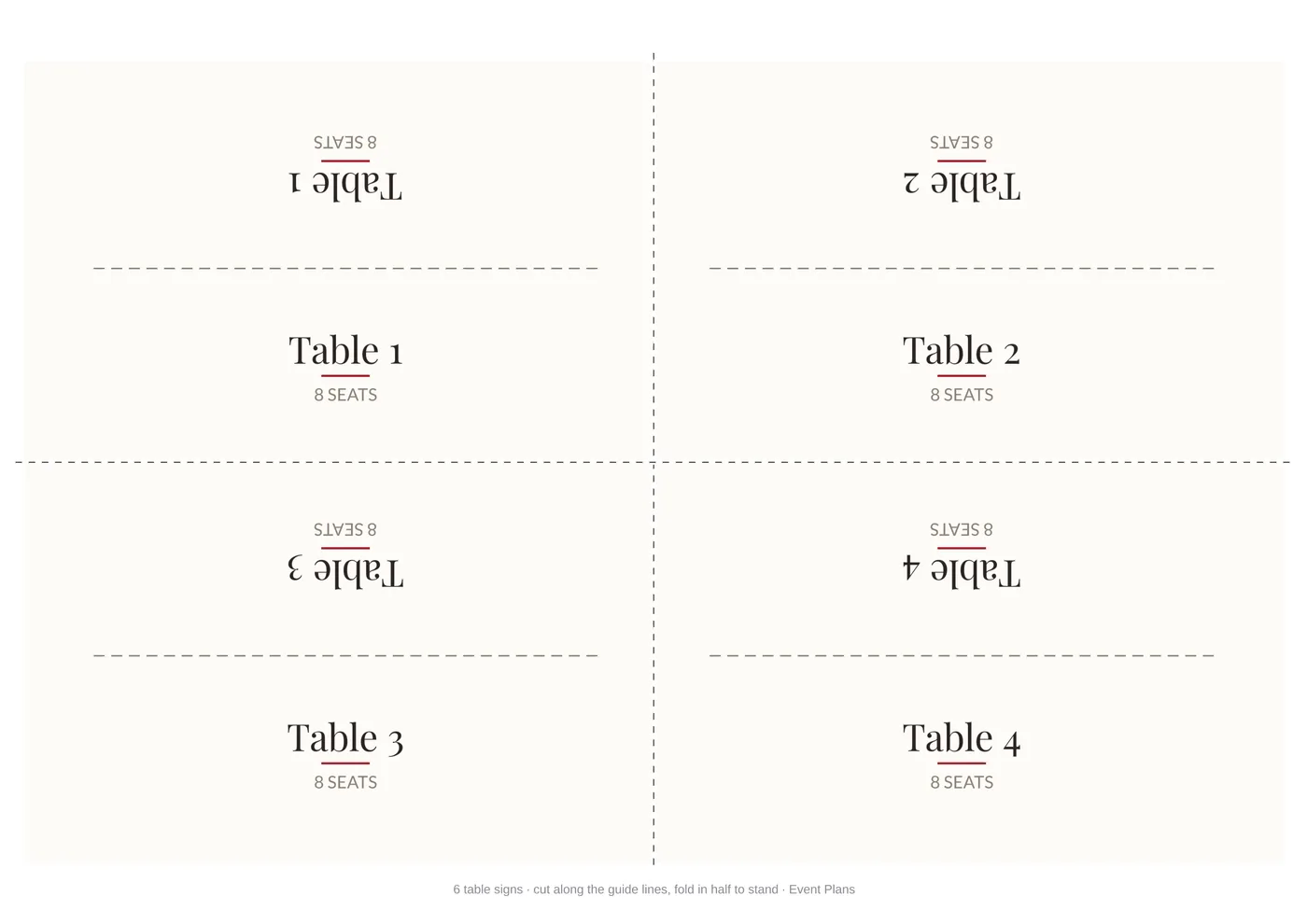
Table signs
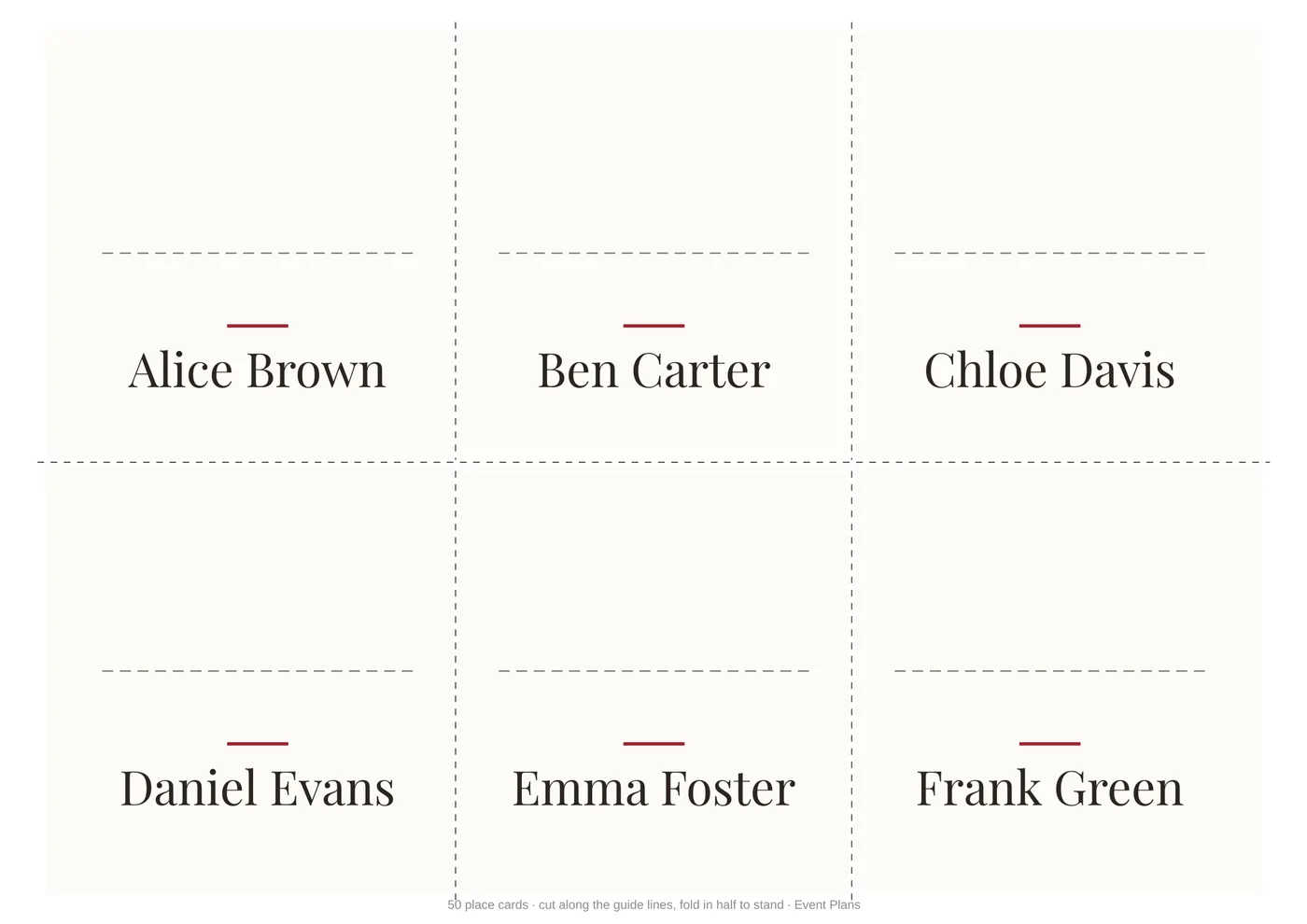
Place cards
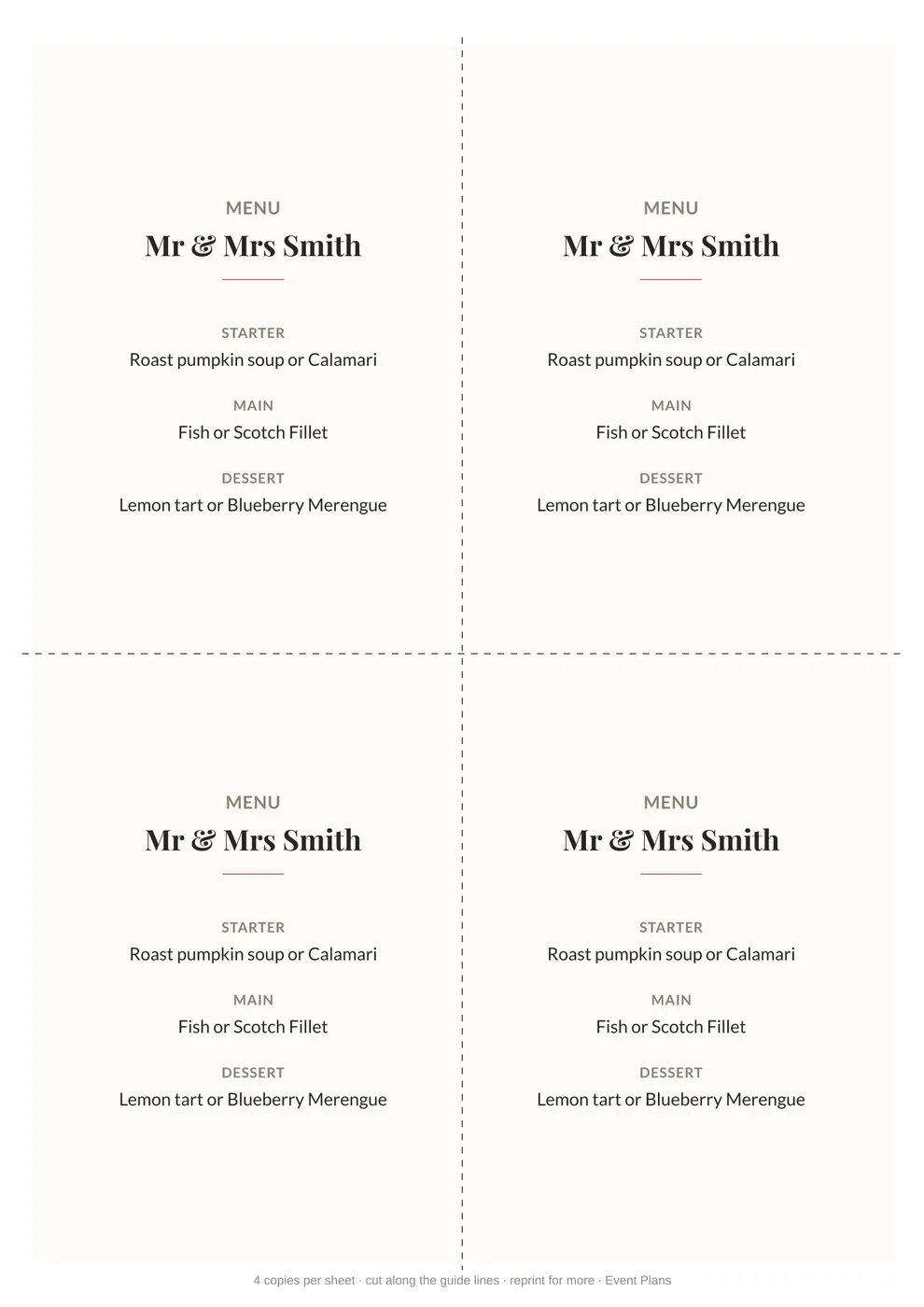
Menu
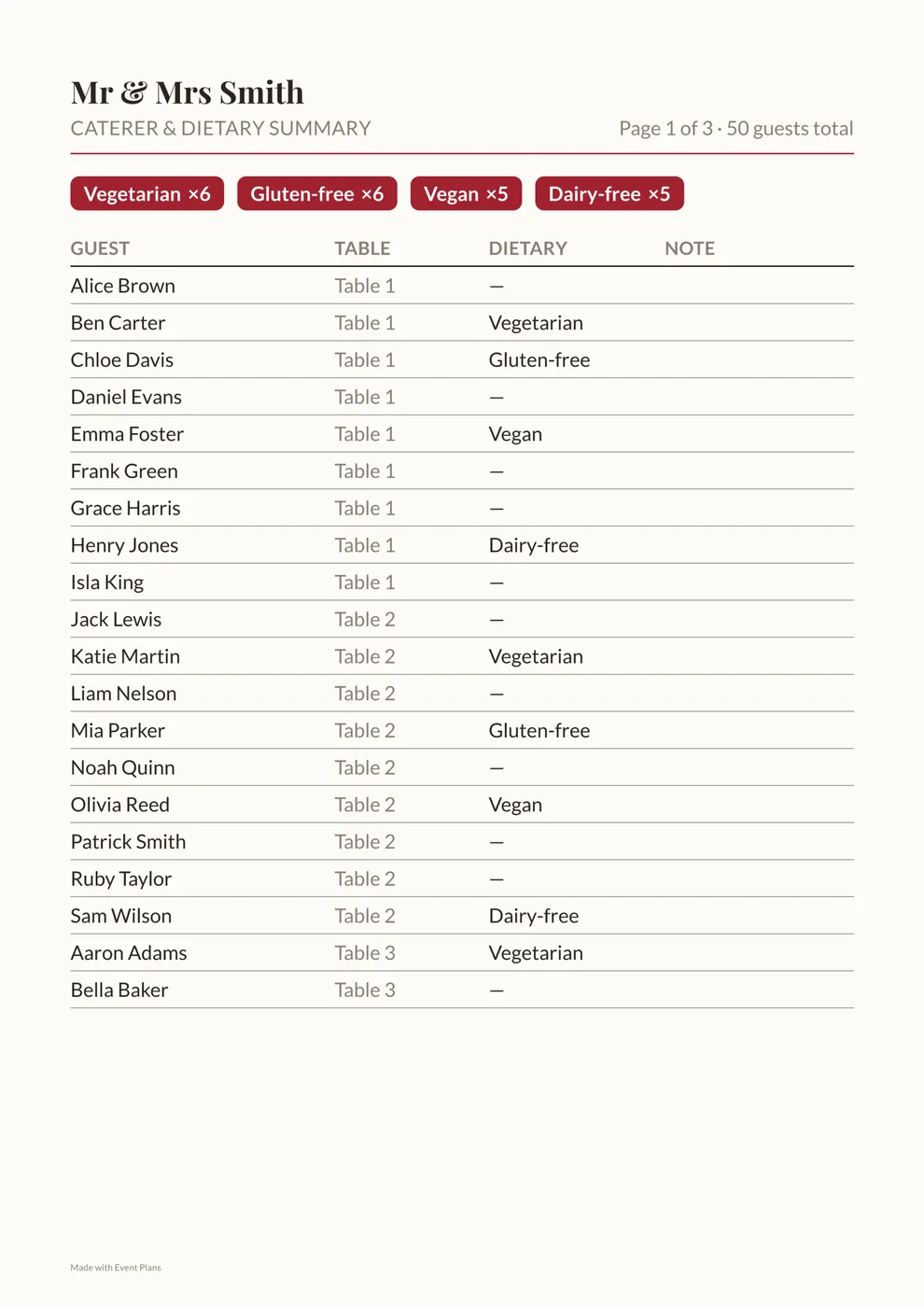
Caterer dietary summary
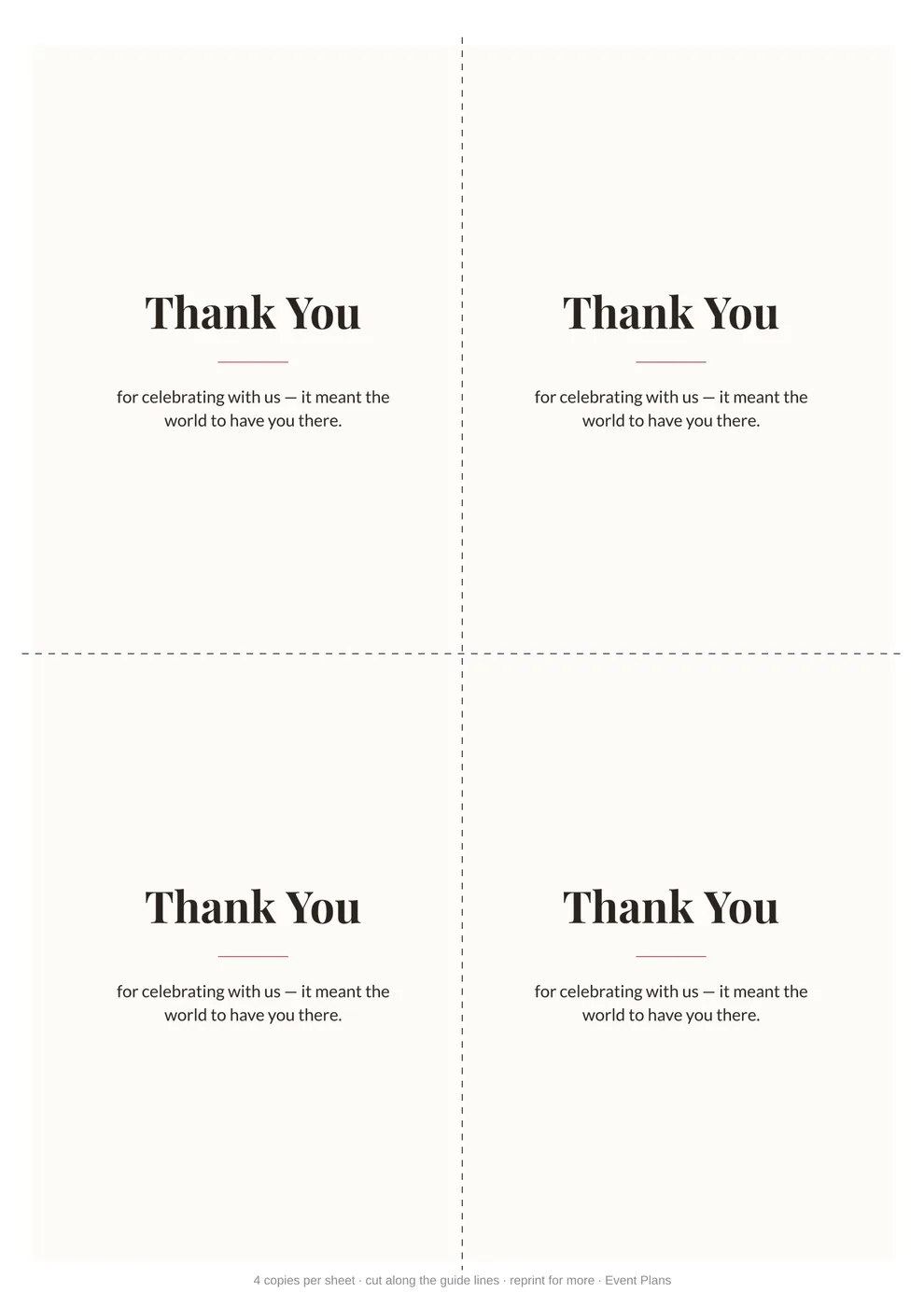
Thank you cards
Choose your stationery
Make one piece or the whole set. Enter your guests once and everything matches.
Save the dates
Guests scan to send you their postal address
Make yours →Invitations & RSVPs
Printed or sent by text and email, with replies tracked
Make yours →Order of the day
Your timeline, from ceremony to send-off
Make yours →Seating chart
A poster in A1, A2, A3 or A4
Make yours →Place cards
Fold to stand, with dietary tags
Make yours →Table signs
Fold to stand, one per table
Make yours →Menus
Menu and drinks cards to match
Make yours →Thank you cards
For after the day
Make yours →
How it works
- 1
Add your guests
Type in or upload a spreadsheet with your guest list, then add your tables and dietary needs. You only do this once.
- 2
Choose your design
Dozens of designs in any colour, portrait or landscape — or upload your own background.
- 3
Print or send
Download print-ready files, or send invites by text and email. RSVPs, addresses and gift choices come straight back to you.
Seating your milestone birthday party
A 30th, 40th, 50th or 60th usually pulls together decades of friends and family who've never met each other — school friends, work friends, cousins, the neighbours. A seating poster and place cards do the quiet work of making sure every table has people who'll actually talk to each other, not a table of strangers staring at their phones.
The hardest part of a milestone birthday's seating is blending friend groups from completely different chapters of someone's life. Building tables around who actually knows whom — rather than defaulting to "family here, friends there" — is exactly what a free, unlimited-tables builder makes easy to try.
All of it, free
Digital invites by text and email, save the dates that collect postal addresses, dozens of designs in any colour or your own uploaded background, plus RSVP tracking and a gift registry. No login, no card.
Everything included (Free)
Before the day
- Save the dates, printed or sent by text and email
- Invitations, printed or sent digitally, with a personal RSVP QR code for each household
- Envelopes with guest names and addresses printed on
- Separate ceremony and reception venues, plus ceremony-only invites
RSVPs and guests
- Online RSVP tracking, showing who's coming, who's declined and who hasn't replied
- Meal choices chosen by guests when they RSVP, including kids' meals
- Dietary requirements collected and tallied automatically
- Optional gift registry on each guest's RSVP page
- Export all replies to a spreadsheet
On the day and after
- Order of the day card with your timeline, from ceremony to send-off
- Seating poster in A1, A2, A3 or A4, with custom seat counts for each table
- Fold-to-stand table signs
- Fold-to-stand place cards
- Menu and drinks cards
- Caterer and dietary summary sheet for your venue
- Thank you cards for after the day
Every document
- Hand-matched font pairings, the same across the whole suite
- Dozens of designs in any colour, portrait or landscape, or your own background
- Print at home or at a print shop, as many copies as you like
- Edit and re-download free, any time
Frequently asked questions
Is this only for weddings?+
No — it works for any seated event. Weddings, corporate dinners and conferences, birthday parties, galas, baby showers, retirement parties and family reunions all use the same full paper suite: Save the Date, invitation, seating poster, table signs, place cards, optional menu and drinks cards, a caterer/dietary summary sheet, and a thank you card — plus online RSVP tracking and an optional gift registry. Pick a style and it's ready either way.
Is it really free to build the whole thing?+
Yes. Adding every table and guest, setting dietary requirements, and previewing the poster and place cards is completely free — no account, no time limit. Right now the print-ready, watermark-free files are free too, for a limited time.
What do I actually get for the price?+
The whole print-ready paper suite: a Save the Date and an invitation (both print-and-cut, 4 per sheet), the entrance seating poster (with a table-by-table map), one fold-to-stand sign per table, one fold-to-stand name card per guest, a caterer & dietary summary sheet you can hand straight to your venue or caterer, and a thank you card (also print-and-cut, 4 per sheet) — plus a menu card (4 per sheet) if you add your starter, main and dessert (up to 3 options each), and a drinks card (4 per sheet) if you list your alcoholic and non-alcoholic options (up to 6 each). Turn on online RSVP and you also get RSVP tracking: a personal invitation and QR code per household, and a tracker of every reply. Plus an optional gift registry that guests see on their RSVP page.
How does RSVP tracking work?+
Turn on "Online RSVP" in the invitation details. Guests who share a surname are grouped into one invite automatically, and you can split or link anyone by hand. Each household's invitation gets its own QR code and short link, leading to a personal page with all your event details, where they reply yes or no for each person, add any dietary requirements (which go straight onto your caterer sheet) and leave a message or song request. Your private downloads page shows who's attending, who's declined and who's yet to reply, lets you change any answer yourself, and exports everything to a spreadsheet — and we email you each time someone replies.
Can I send the Save the Date and invitations by email or text?+
Yes. Your downloads page has phone-sized images of your Save the Date and invitations, plus a Send list with one row per household. On a phone, Share opens your usual share sheet with that household's invitation attached and a message with their personal RSVP link already written. You can also open a pre-filled email or text, download everything as a zip, or get a mail-merge spreadsheet to send them all from your own email account. Everything is sent from you, not us, so it won't land in spam, and a Sent tick box keeps track of who's had theirs.
Can guests choose their meal when they RSVP?+
Yes. If your menu offers a choice (say, lamb or salmon), turn on "Ask guests to choose their meal" in the Menu section. Everyone coming picks one option from each course with a choice on their RSVP page, and guests tagged Kids' meal pick from your kids' options instead. You'll see every choice in your RSVP tracker (and can change one yourself), and your caterer sheet shows the totals for each dish plus each guest's meal.
Can I invite some guests to the ceremony only, or have the reception somewhere else?+
Yes to both. In the invitation details, tick "The reception is at a different place" to add its own time and address, and the invitation shows the ceremony and reception side by side. Tick "Ceremony only" on any guest who's invited just to the ceremony: they aren't given a seat or asked to RSVP, and their invitation shows only the ceremony, with no RSVP code or gift registry. They still get an envelope, and you can send theirs digitally with its own message.
Can guests send me their postal address?+
Yes. Tick "Ask for postal addresses on the Save the Date" in your guest list, and your Save the Date gets a QR code (and short link) to a simple form where guests enter their names and postal address, plus an optional email and mobile. Addresses fill in under each guest's name in your plan automatically, and any names we can't match to your guest list wait on your downloads page for you to sort out. Nobody using the form can see any other guest's details. Your envelopes then print each address under the name, which you can switch off.
How does the gift registry work?+
It's optional, and it lives on your guests' RSVP pages, so it comes with online RSVP. From your private downloads page, add as many gifts as you like, each with a name, a link to where to buy it and its price, and change or remove them any time. Guests see the gifts grouped by price range (under $100, under $200, under $500 and over $500), with the exact price shown only in the shop when they follow the link. When a guest chooses a gift it's crossed off for everyone else so nobody doubles up, and they can undo it if they change their mind. You can see which gifts are taken, and who's getting each one only if you choose to look, so you can keep it a surprise.
Can I set different seat counts per table?+
Yes. Every table is independent — name, shape, and seat count are all set per table, so the head table can seat 8 while every other table seats 10, or a kids' table seats 4. There's no global "seats per table" setting.
How do dietary requirements show up?+
Each guest can be tagged with any combination of vegetarian, vegan, gluten-free, dairy-free, nut allergy or kids' meal, plus a free-text note. The place cards stay clean — name only — while the full list, with counts for meal planning, appears on the caterer sheet you hand to your venue.
Can I include an order of the day?+
Yes — add an Order of the Day with the times of your ceremony, afternoon tea, photos, reception, cake cutting and anything else, each with a little icon you can swap. It prints as its own invitation-sized card, matching your style, background and border, and it's shown on your guests' RSVP pages too unless you untick that. New plans start with the usual day, timed from your ceremony, ready to edit.
Can I choose the fonts?+
Yes — pick from a curated set of font pairings (a heading style plus a body style), each hand-matched to look good together, rather than picking two random fonts that might clash. Every document uses your chosen pairing consistently. You can also set your colours and give your save the dates and invitations a border and a background — leaves, florals, balloons and more — or upload your own background image.
Is there a subscription?+
No. It's free: every print-ready file, RSVP tracking and the gift registry. There's no recurring fee, and no per-guest or per-table charge no matter how big the event is.
What if something goes wrong with my files?+
Contact us within 30 days of purchase and we'll fix it. If we can't, we'll refund what you paid in full. Mistakes in your own details can be corrected and re-downloaded free any time, so refunds aren't given for those or for a change of mind. See our terms of service for the details, including limits on liability.
Can I make changes after I've paid?+
Yes. Your download page doubles as a private, unguessable link back into the builder — go back and change a guest's table, add someone, swap the style, anything — then save to regenerate every file, free, as many times as you need. No new purchase, no new link to keep track of.
I've lost the email with my link. How do I get back in?+
Go to "Lost your link?" at the bottom of any page and enter the email address you used when you unlocked your plan. We'll email your private link to that address again (every event you've made with it, in one email). For your security it's only ever sent to that inbox, never shown on screen. If you no longer have that email, or think you mistyped it at checkout, use Contact us and we'll help.
Can I print these myself?+
Yes. The table signs and place cards are laid out on A4 print sheets (place cards print landscape) with cut guides and a printed fold line on each card, ready for a home or office printer. You pick the poster size (A1, A2, A3 or A4) and the table-sign size when you build your plan, so you can match whatever your printer or print shop supports.
Ready when you are
Every document, RSVP tracking and the gift registry, all free. No account, no card, no per-guest fee — print as many copies as you like and edit any time.
By clicking Input Guests, you agree to our Terms of Service and Privacy Policy.